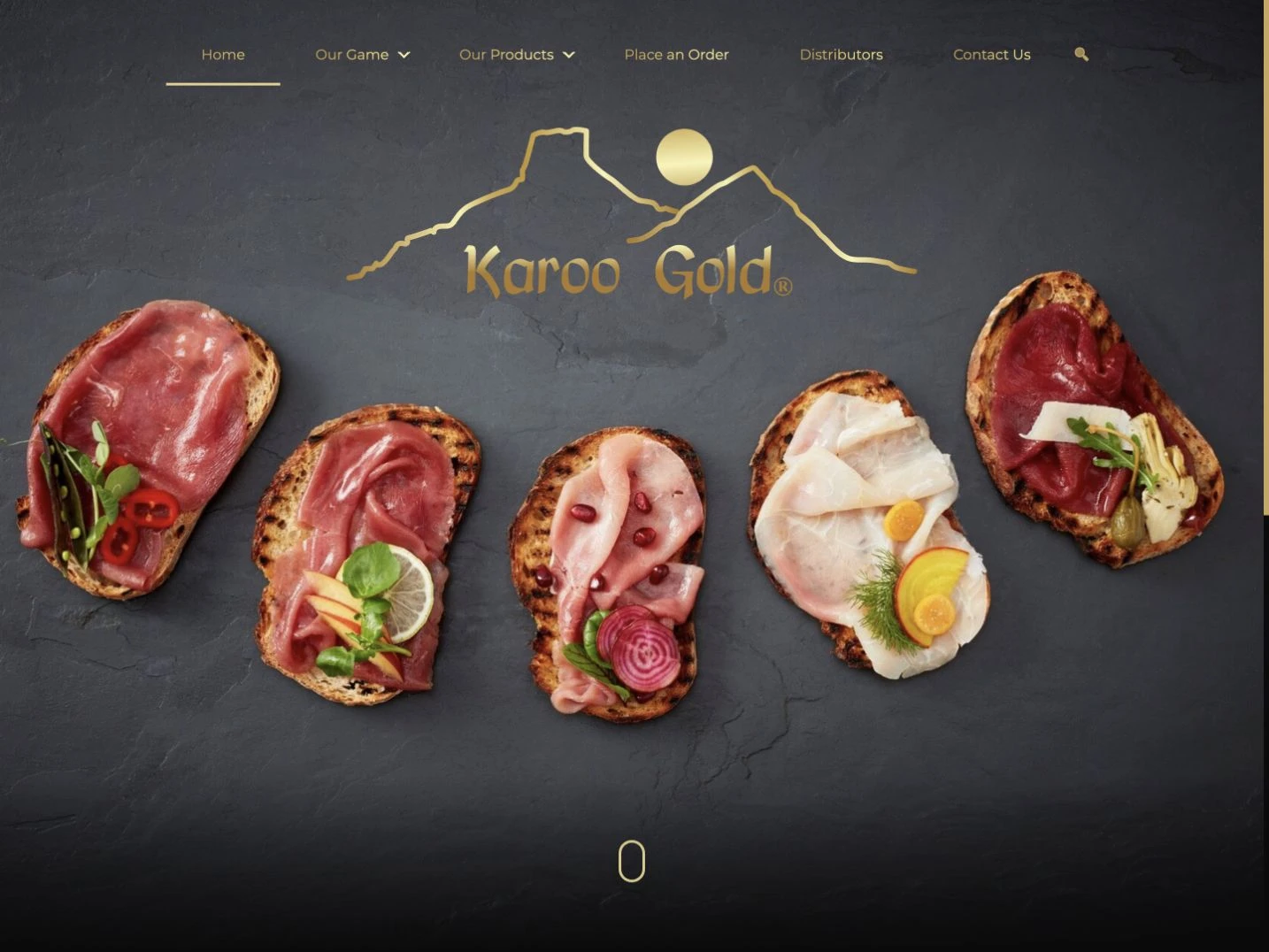
Karoo Gold
Website & custom ordering platform
Food & beverage · Retail & e-commerce

Need a new website, an online store or help with the site you already have? We design and build websites that explain what you do and help customers enquire, order or buy online.
Discuss your websiteA quote based on the website you need. We discuss your requirements, agree the scope and explain the costs before you commit. Hosting, support and subscriptions are separate.
Scope & costWebsite & custom ordering platform
Food & beverage · Retail & e-commerceProduct information leads into an order enquiry or a distributor search. The website helps customers find the right route to buy without presenting the enquiry form as an online checkout.
A construction company, a ceramics brand and a specialist store need different things from a website. See what we built for each.
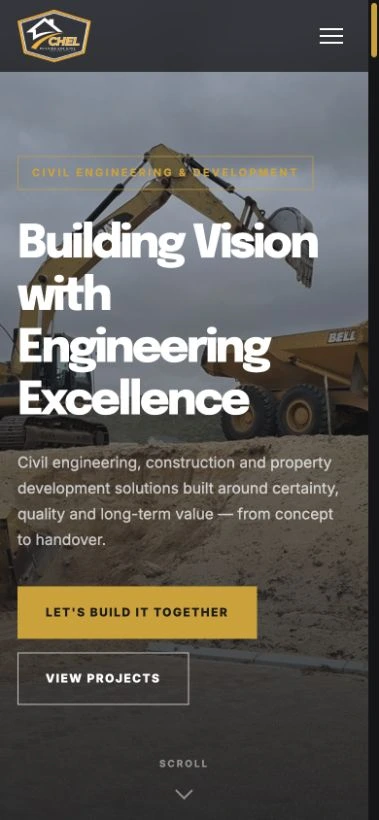
We turned CHEL’s company material and project history into a WordPress website. Prospective clients can explore its services and involvement in projects, while the team can keep the portfolio current.
Explore the full story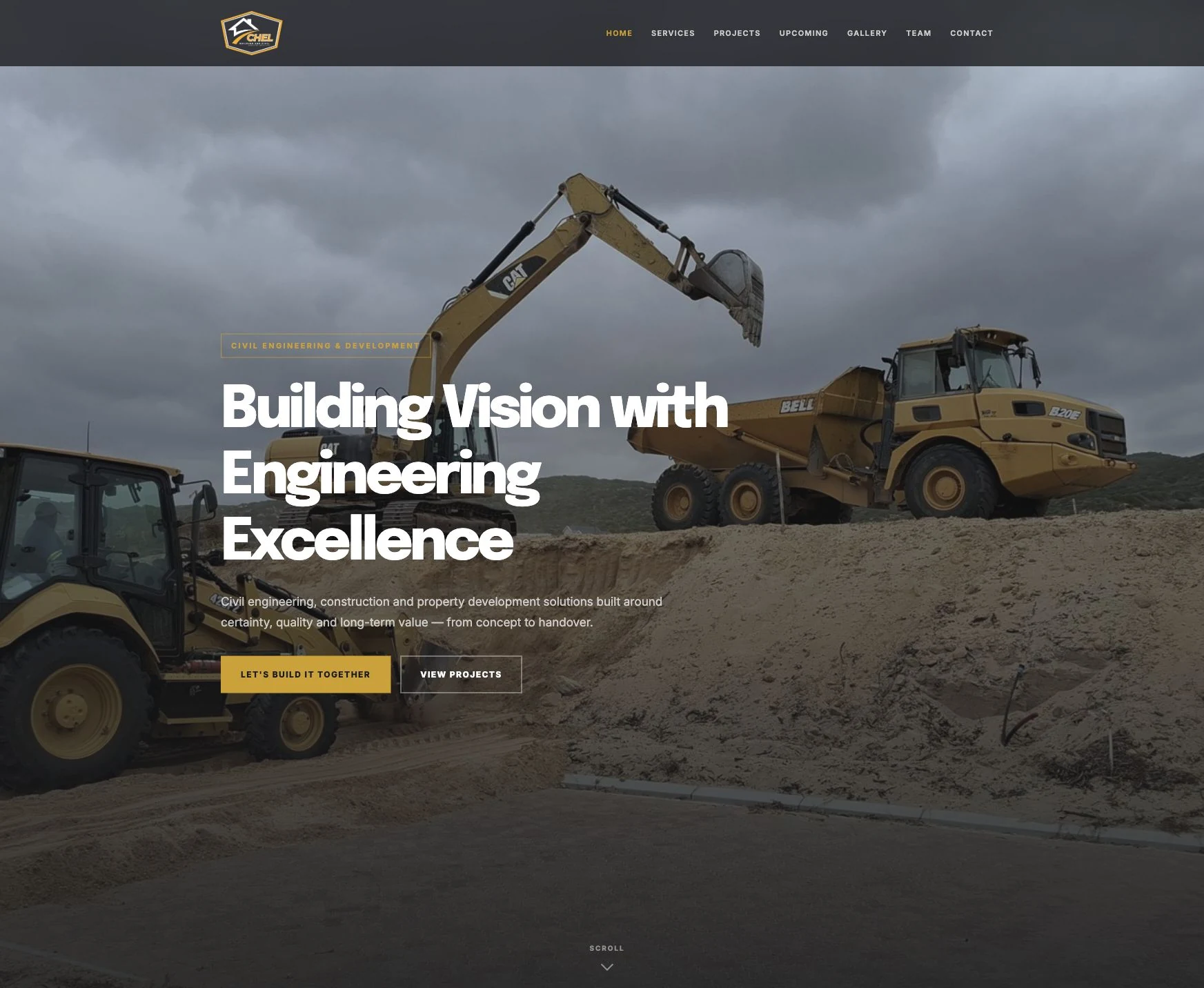
Website design · WordPress · Content structure
Engineering & industry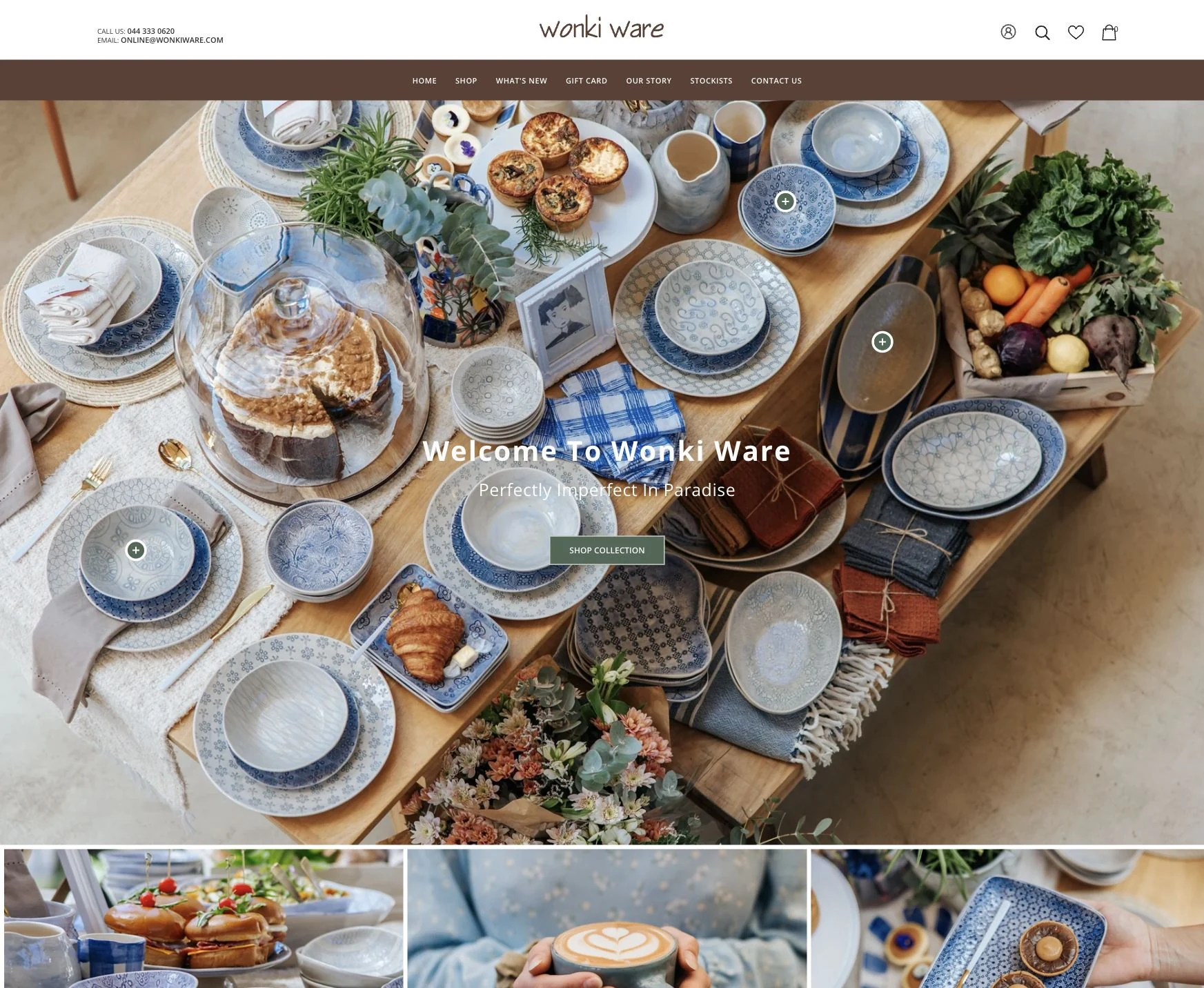
Shopify development · E-commerce improvements
Retail & e-commerceHelping Wonki Ware’s store keep up with the business.Our ongoing Shopify work covers product and collection presentation, visual navigation, checkout and delivery configuration within Wonki Ware’s established store.


Online store · Order automation · Payments, accounting & delivery
Retail & e-commerceGiving BigBore more time for marketing and customers.We built an easy-to-use online store and connected checkout to payments, accounting, delivery and order updates. Automating routine order admin leaves the team more time to promote its products and look after customers.
A good website needs to do more than look right. People should be able to find information, use the main features and complete an enquiry or purchase.
We organise your content into useful pages with clear headings and links. Page titles, descriptions and structured data help search engines understand what those pages are about.
We check the layout, images, text contrast and navigation across screen sizes. Forms and key actions should work with touch, a mouse and a keyboard.
We agree which content your team will update, set up the editing tools and show you how to use them. We also discuss who will handle technical maintenance after launch.
Before replacing a site, we list its pages, articles and media. We plan which content to keep, redirect changed page addresses and check forms and domain settings as part of the move.
You review the page plan, designs and working site along the way. We agree who will supply the content and which decisions are needed at each stage.
We discuss your customers, what the website needs to do and what you already have. That includes your content, existing page addresses, other systems and who will update the site.
Page structure, priorities and a proposed scope to reviewWe plan the content and design the main pages. You can review how the site will look and how visitors will use it before we build the rest.
Main page designs and the steps visitors will followWe build the pages, set up the editing tools or store and connect the agreed features. We test navigation, forms and, for stores, the ordering process with representative content and products.
A working website to review on phones and computersWe check the content, accessibility, search settings and redirects from the old site. Before launch, we agree the domain change, analytics, handover and who will look after the website.
A launch checklist and handover for your teamThe choice depends on what you need to publish or sell, which systems the site must connect to and who will update it. We explain the options and ongoing costs before you choose.
These platforms let your team update service pages, projects and articles. We choose the editing setup to suit the content you need to manage.
CHEL / WordPress Karoo Gold / WebflowWe can improve an existing Shopify store or build a custom store. Your products, checkout requirements and the way you handle orders help determine the right approach.
Wonki Ware / Shopify improvements BigBore / React & MedusaWe check how the website needs to connect to payments, accounting and deliveries. BigBore’s store uses Paystack, Sage and BobGo, with Cloudflare DNS for its branded domain.
We plan hosting, image loading and caching alongside the build. If the setup uses Cloudflare, we configure and test it with the actual website. Loading speed depends on the site’s content, code and hosting.
Explore systems integrationTell us what the website should help people do. We’ll discuss the pages, content and features, then put together a scope and quote for your project.
You don’t need a finished brief to get in touch. We can help you work through the details.
Tell us about your websiteThese are the practical details we agree for this work, before you go ahead.
Your scope confirms the pages, features, content work and handover included. Editable files, source code, ownership and third-party licences follow your project agreement.
We agree who owns and manages the domain, hosting, website editor and any connected store or payment accounts, including the access needed for launch.
Hosting, domains, apps and other subscriptions are identified separately from the website build. Printing or other services outside the website are quoted separately if required.
We agree who updates the site and what support includes, with its ongoing cost. New pages, features and changes beyond that arrangement can be scoped separately.
We start with what you need to publish or sell, which systems the site must connect to and who will update it. Our work includes WordPress, Webflow, Cloudfusion CMS, Shopify and custom websites. We explain the options, subscriptions and maintenance before you choose.
Yes. We can work on the content, navigation, design or features of an existing site. For example, our Wonki Ware work involves improvements and support for its Shopify store. We’ll review what you have before recommending changes or a rebuild.
Yes, for the content we agree your team will manage. We set up editing tools for those pages, projects, products or articles, and show you how to use them at handover. More complex features and technical maintenance may need development support.
We make pages easy to read and navigate, with useful content, descriptive page titles, internal links and structured data where appropriate. We also check that search engines can access the pages, and consider speed and accessibility. Improving search visibility after launch takes ongoing content work and measurement. Rankings and inclusion in AI answers can’t be guaranteed.
Yes. We list your existing pages, articles and media before planning the move. We retain important content and redirect changed page addresses to relevant pages on the new site. We check those redirects and search settings before and after launch. The amount of content and its condition affect the work involved.
The pages, content, products, custom features and integrations determine the quote and schedule. We discuss what you need, then agree the scope and explain the costs before work begins. Improvements to an existing site can be quoted separately. Hosting, subscriptions and ongoing support are listed separately.
Yes, where the systems provide the access we need. BigBore’s store connects Paystack payments, Sage accounting, BobGo delivery and Resend messages, bringing the order flow and its exceptions into one management view. We check what your site needs to send or receive before quoting. A more involved connection is planned through our Integrations & automation service.
We compare how you sell, the products you manage, your payment and delivery requirements, and the systems behind each order. Shopify or WooCommerce may cover the job with an established store platform. A custom store can be appropriate when the customer journey or connected workflow needs more flexibility. We explain the setup, subscriptions, maintenance and limits of the options before recommending one.
We check the agreed customer journeys, mobile layouts, forms and editing tools. For a store, that includes the payment and delivery flow. For a replacement site, it includes retained content, redirects and search settings. We also agree who controls the domain and hosting, show your team how to maintain the content and set out the support arrangement.
These articles explain choices you may need to make for your project.
Explore Websites & E-commerceTell us what you do, what you need from the website and whether you have a site already. We’ll help you work out where to start.
Discuss your websiteNeed a new website, an online store or help with the site you already have? We design and build websites that explain what you do and help customers enquire, order or buy online.
Website and handover. Your scope confirms the pages, features, content work and handover included. Editable files, source code, ownership and third-party licences follow your project agreement.
Accounts and access. We agree who owns and manages the domain, hosting, website editor and any connected store or payment accounts, including the access needed for launch.
Costs beyond the build. Hosting, domains, apps and other subscriptions are identified separately from the website build. Printing or other services outside the website are quoted separately if required.
Care after launch. We agree who updates the site and what support includes, with its ongoing cost. New pages, features and changes beyond that arrangement can be scoped separately.