We help you choose and manage business email, domains, hosting and the tools your team uses. Need to move providers or connect your email to AI? We review what you have, agree the work and help your team use the new setup.
Email, domains, hosting and the tools your team uses.
01 / PRACTICAL TECHNOLOGY, PROPERLY CONNECTED
The tools your team relies on.
Start with what your team needs to do. We help choose, configure and support the services that fit.
01
Connect your email to AI.
We can help connect a supported mailbox to ChatGPT or Claude, agree permissions and test a useful task, such as finding unanswered emails or preparing reply drafts. If your provider does not support the connection, we compare Google Workspace, Microsoft 365 or a separately scoped integration before recommending a move.
Domain registration, transfers, renewals, DNS and web hosting. Cloudflare configuration can be included where it forms part of your website setup.
DOMAINS · DNS · HOSTING · CLOUDFLARE04
Set up shared files and access.
We help plan who can access, edit and share files in Microsoft 365 or Google Workspace. We check your users, storage needs and existing files before agreeing the setup or migration.
SHARED ACCESS & FILE MIGRATION
YOUR NEXT ADDRESS
Your name. Your space online.
Choose a domain and compare hosting. Continue in your Cloudfusion client portal to confirm availability and complete checkout.
01 / YOUR DOMAIN
What will you call it?
Include the extension, such as .co.za or .com. You can choose a domain later when ordering hosting.
These projects show how setup and website work can lead to ongoing support as a business’s needs change.
FEATURED / MTE XPRESS
There when the business started. Still involved today.
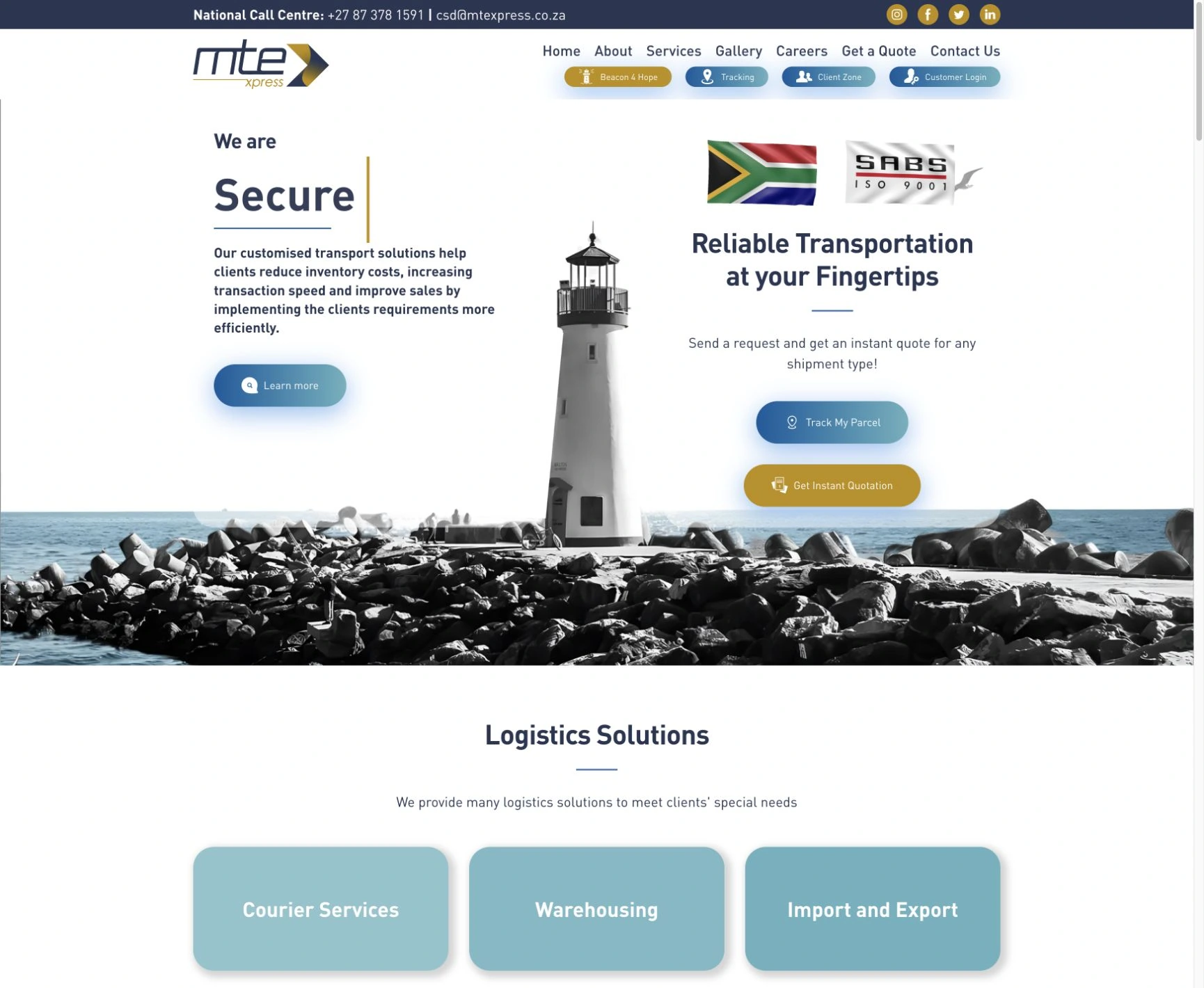
MTE Xpress has worked with us since the business began. Its original setup included the domain, hosting, business email and Microsoft 365 licences. Continuing support and Cloudflare DNS work helped keep that setup connected as requirements changed; the later Sage invoice integration is a separate part of the relationship.
Support beyond the first launch.The corporate website connects GulfLog’s investment approach with its portfolio and people. Continuing website support sits alongside that original delivery.
Before starting, we agree which services we’ll manage, who owns the accounts and what support is included. You’ll know how to request help and which costs are recurring.
YOUR SERVICE ARRANGEMENT
01
Setup & migration.
What needs to be set up or moved, the order of the work and how we’ll check it.
02
Subscriptions & renewals.
The products and licences you’ll pay for regularly, and who handles renewals.
03
Support & handover.
Who manages each service, how to request help and the support terms in your agreement.
Access is arranged through an appropriate handover. Never include passwords or recovery codes in an enquiry.
04 / A CLEAR WAY FORWARD
How we set up or move your services.
From choosing a service to testing the result, we agree what changes, how access works and who looks after it.
Review your current setup.
Check your email provider, accounts, retained mail, domains and the software your team uses. Agree what needs to change. If AI is part of the brief, choose one useful task and check the account, licence and permission requirements first.
A recommended approach, scope and separate costs
Plan the setup or migration.
Set up the agreed services and connections. Where a move is needed, test a representative mailbox and plan the changeover. For AI, agree what it can read, what it may do and which actions need someone’s approval.
Configured services and an agreed test plan
Test the work and hand it over.
Check the agreed mail, calendar, file or website functions, then help staff use the setup. Test any AI workflow with representative messages, including a case it should leave for a person. Explain how to review its work, remove access and request support.
A checked setup, practical handover and agreed support
SETUP AND ONGOING COSTS
What will it cost to set up and run?
Costs depend on your users, products, storage, what needs to move and the support you need.
We separate email and software licences, AI subscriptions or API usage, setup or migration, and ongoing support. You can review the full arrangement before committing.
These are the practical details we agree for this work, before you go ahead.
Use your browser’s print options to save a PDF.
Setup and migration
We agree what will be set up or moved, the checks before changeover and the handover included. Existing-provider access and third-party terms can affect the work.
Accounts and ownership
We confirm who manages domains, mailboxes, hosting and software accounts, and who needs administrator access. Ownership and licence terms follow your agreement.
Subscriptions and renewals
One-off setup, recurring licences, domains, hosting and renewals are identified separately. You can review the arrangement and its costs before work begins.
Support and handover
We agree the guidance your team receives, how to request help and the support scope and ongoing fees. Coverage and response times follow your support agreement.
Can we keep our current domain and email addresses?
Often, yes. We first check domain ownership, your current service and the intended destination. A domain transfer and an email migration are separate changes and do not always need to happen together.
Should we choose Microsoft 365 or Google Workspace?
We start with the applications your team uses, how people share files, account administration and any AI connections you want. We compare the relevant Google Workspace and Microsoft 365 plans before you commit. You may be better served by improving the setup you already have.
Will there be downtime during a migration?
Some changes can interrupt a service while domain settings update. We check how your services depend on each other, plan the order of the work and explain any expected interruption before we start.
Who controls our accounts and domain?
Ownership and administrative responsibilities are agreed during setup or handover. We establish the account holders, recovery contacts and access needed to manage the service properly.
Are setup and ongoing costs separate?
Yes. Email and software licences, any AI subscription or API usage, one-off setup or migration, hosting, renewals and ongoing support are identified separately. We confirm what is included in each selected plan and agree the work before you commit.
How do existing clients get support?
Use the client portal’s support route so the request is connected to your account. New setups, moves and service enquiries can start with the guided form on this page. Support scope and response arrangements depend on your service agreement.
Can you move our existing email to Microsoft 365 or Google Workspace?
Yes, where the current service gives us suitable access. We check mailboxes, shared addresses, calendars, contacts and any files included in the move. Then we agree what will transfer, test a representative mailbox and plan the changeover. Keeping an email address, moving its old messages and setting up staff devices are separate parts of the job, so we confirm all three in the scope.
Can you help stop our business emails going to spam?
We can investigate the mail service, domain records and the services sending on your behalf. That can include Microsoft 365 or Google Workspace, along with website mail and SMTP2GO. We check the relevant SPF, DKIM and DMARC settings and test the agreed sending routes. Correct settings help receiving systems recognise authorised mail; inbox placement also depends on reputation, content and the receiving provider.
Can you connect our business email to ChatGPT or Claude?
We can assess your mailbox provider and intended task, check the supported connection and help configure it where your account, plan and administrator permissions allow. We start with a small workflow, such as finding messages that need a reply and preparing drafts for review. A connector and a custom background automation are different scopes, so we confirm which you need.
Do we have to move our email to use AI?
Not always. Your current account may already support the connection. For a mailbox hosted through cPanel or another IMAP service, the options can include moving to a supported provider or building a separate integration. Simply adding the address to the Outlook app does not turn it into a Microsoft 365 mailbox. We check the actual service before recommending a change.
Will an AI assistant send or delete emails automatically?
We agree the permissions and approval rules before setup and test them with you. Reading, drafting, sending, deleting and running on a schedule are different capabilities, and availability depends on the tool and account. Our starting point is to keep important actions under human review and show you how to disconnect the assistant.
READ MORE / INSIGHTS
Practical advice for your project.
These articles explain choices you may need to make for your project.
Tell us which email service you use and what you’d like your team to do more easily. We can review the setup, a possible move or an AI connection. For domains, hosting and other setup work, use the same form to describe what you need.
We help you choose and manage business email, domains, hosting and the tools your team uses. Need to move providers or connect your email to AI? We review what you have, agree the work and help your team use the new setup.
Scope
Connect your email to AI. We can help connect a supported mailbox to ChatGPT or Claude, agree permissions and test a useful task, such as finding unanswered emails or preparing reply drafts. If your provider does not support the connection, we compare Google Workspace, Microsoft 365 or a separately scoped integration before recommending a move.
Set up or move your business email. Set up business email or move mailboxes to Microsoft 365, Google Workspace or another agreed service. We review users, existing mail, calendars and domain settings, then plan the move and help staff connect their devices. Compare Microsoft 365 plans and prices or Google Workspace plans and prices before choosing.
Manage your domains and hosting. Domain registration, transfers, renewals, DNS and web hosting. Cloudflare configuration can be included where it forms part of your website setup.
Set up shared files and access. We help plan who can access, edit and share files in Microsoft 365 or Google Workspace. We check your users, storage needs and existing files before agreeing the setup or migration.
How the work takes shape
Review your current setup. A recommended approach, scope and separate costs
Plan the setup or migration. Configured services and an agreed test plan
Test the work and hand it over. A checked setup, practical handover and agreed support
Know what’s included.
Setup and migration. We agree what will be set up or moved, the checks before changeover and the handover included. Existing-provider access and third-party terms can affect the work.
Accounts and ownership. We confirm who manages domains, mailboxes, hosting and software accounts, and who needs administrator access. Ownership and licence terms follow your agreement.
Subscriptions and renewals. One-off setup, recurring licences, domains, hosting and renewals are identified separately. You can review the arrangement and its costs before work begins.
Support and handover. We agree the guidance your team receives, how to request help and the support scope and ongoing fees. Coverage and response times follow your support agreement.