
ViaVia
Product planning · Logo & website · Community travel app
Technology & software

Custom software development starts with the work people need to do. We plan and build business systems, apps and customer portals, from a useful first release to ongoing improvements.
Plan your softwareStart with what the software needs to do. We discuss your requirements, agree the scope and explain the costs before you commit. Hosting, support and subscriptions are separate.
Scope & costSOFTWARE WE’VE BUILTGenio Roasters Bizzin MTE Xpress
From a request to a decision. All in one place.
From organising shared trips to helping customers maintain equipment, these projects show the different jobs custom software can do.
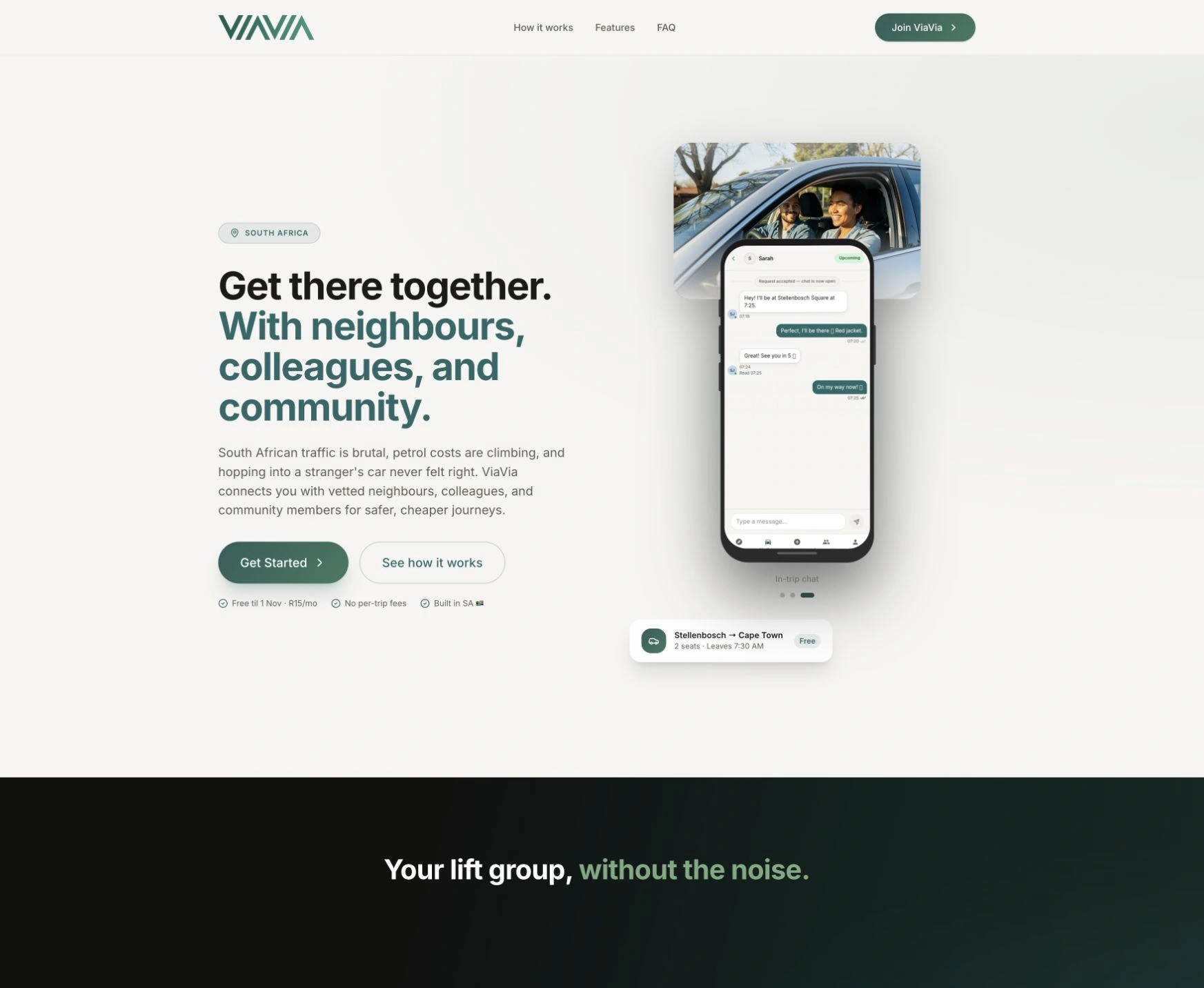
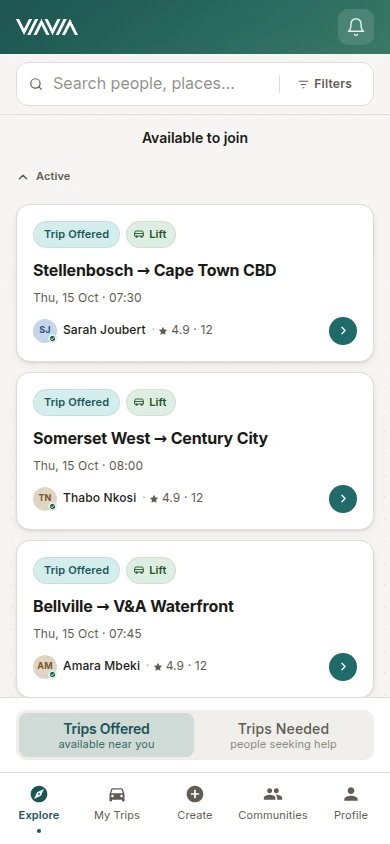
We worked with the client from planning and prototypes through a React and TypeScript app, its logo and website. Invitations, trust connections, trip requests and private chat help members arrange journeys. Clerk handles sign-in, Paystack supports subscriptions and Google Maps connects places and routes.
Explore the full storyProduct planning · Logo & website · Community travel app
Technology & software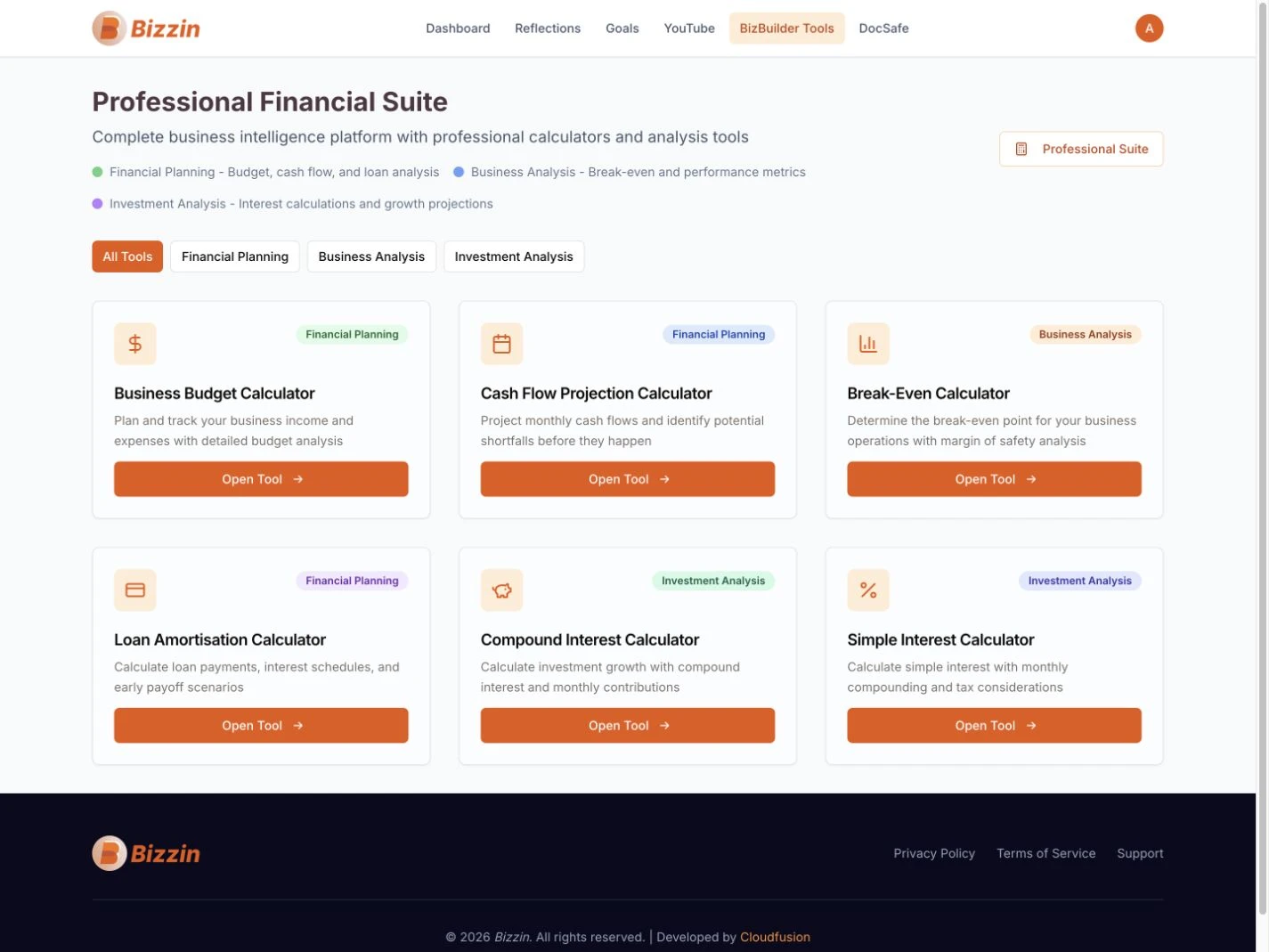
Custom software · Subscription platform · Business tools
Technology & softwareAn online toolkit for entrepreneurs.A subscription platform brings journals, goals, financial tools, learning and document storage into one account, with AI-assisted reflection helping entrepreneurs explore their next steps.
Customer portal · Custom development · Training & support
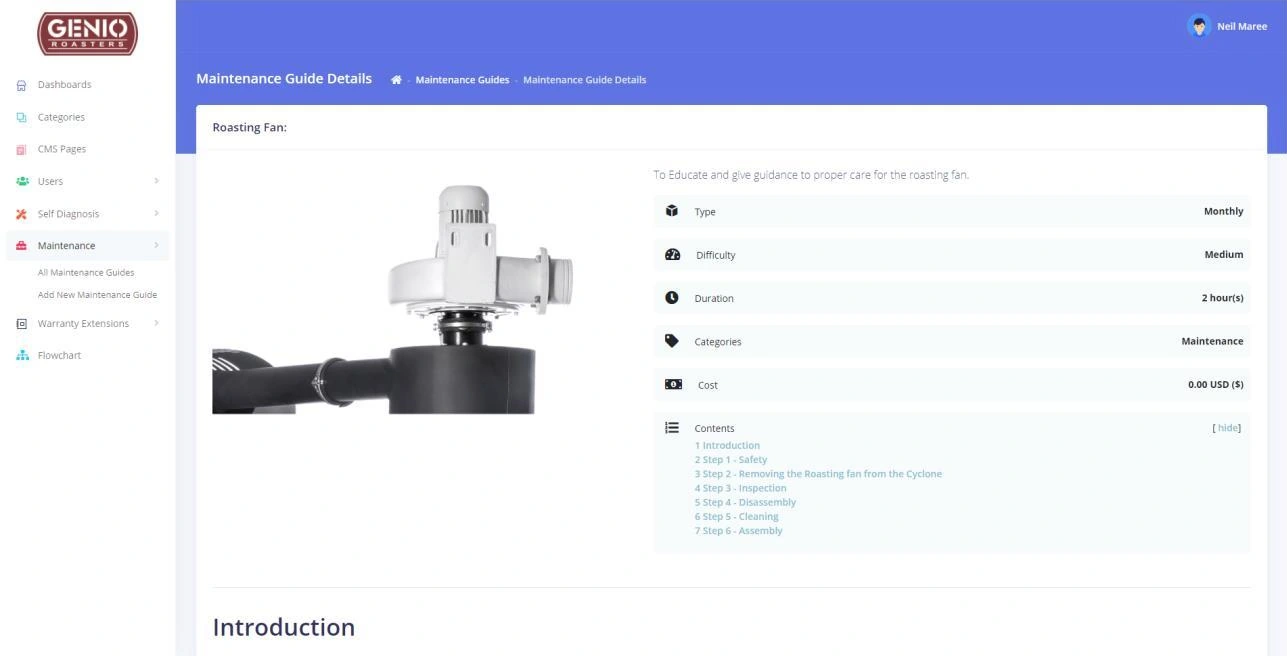
Manufacturing · Food & beverageHelp customers after the equipment arrives.A customer aftercare portal brings maintenance guides, diagnostics and training together. Content management and completion tracking help the team organise the knowledge customers return to.
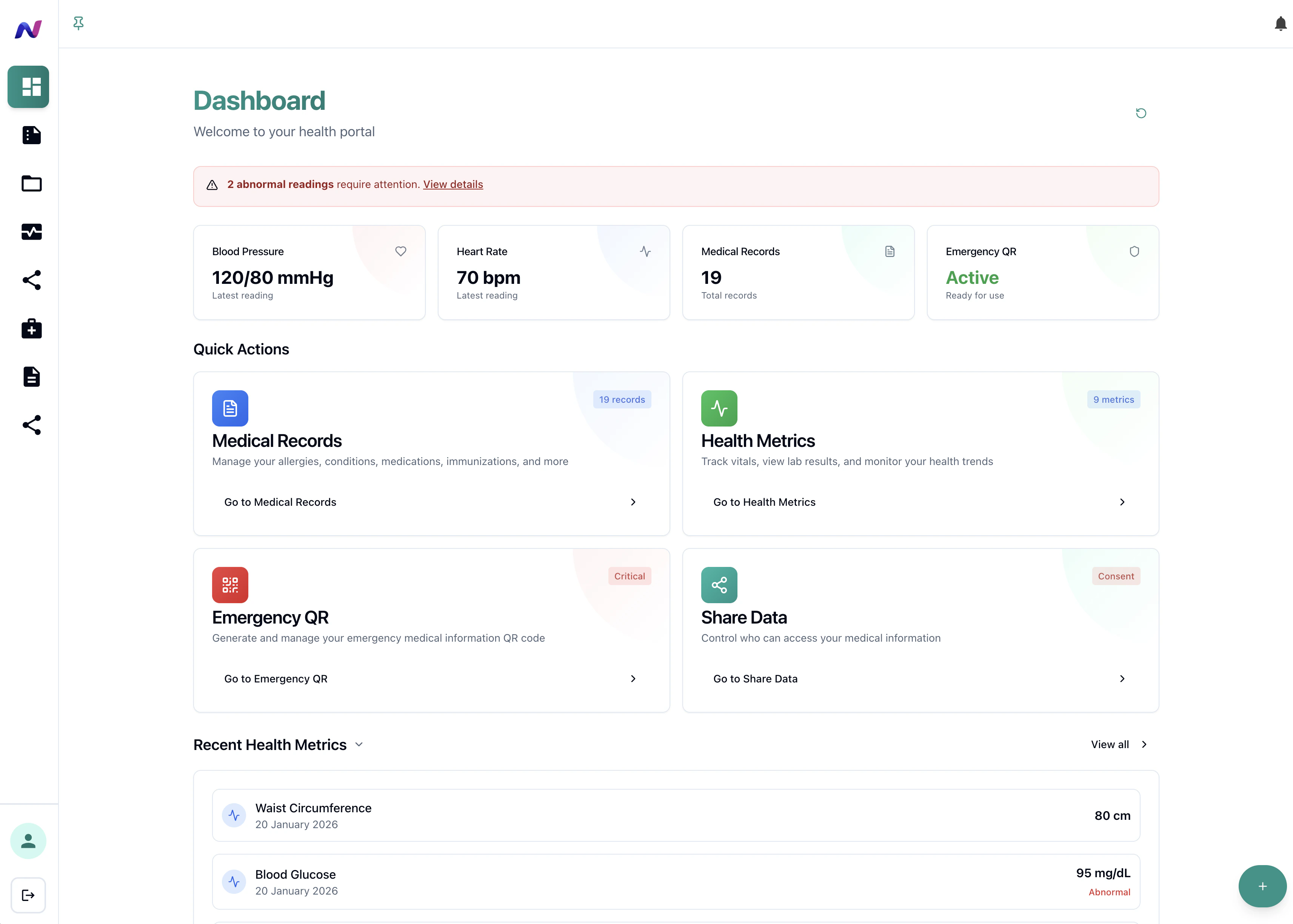
Branding · Product design · Health platform
HealthcareA platform for patients, practitioners and administrators.A health platform connects patient, practitioner and administration journeys, with role-based access and patient consent governing the sharing of information.
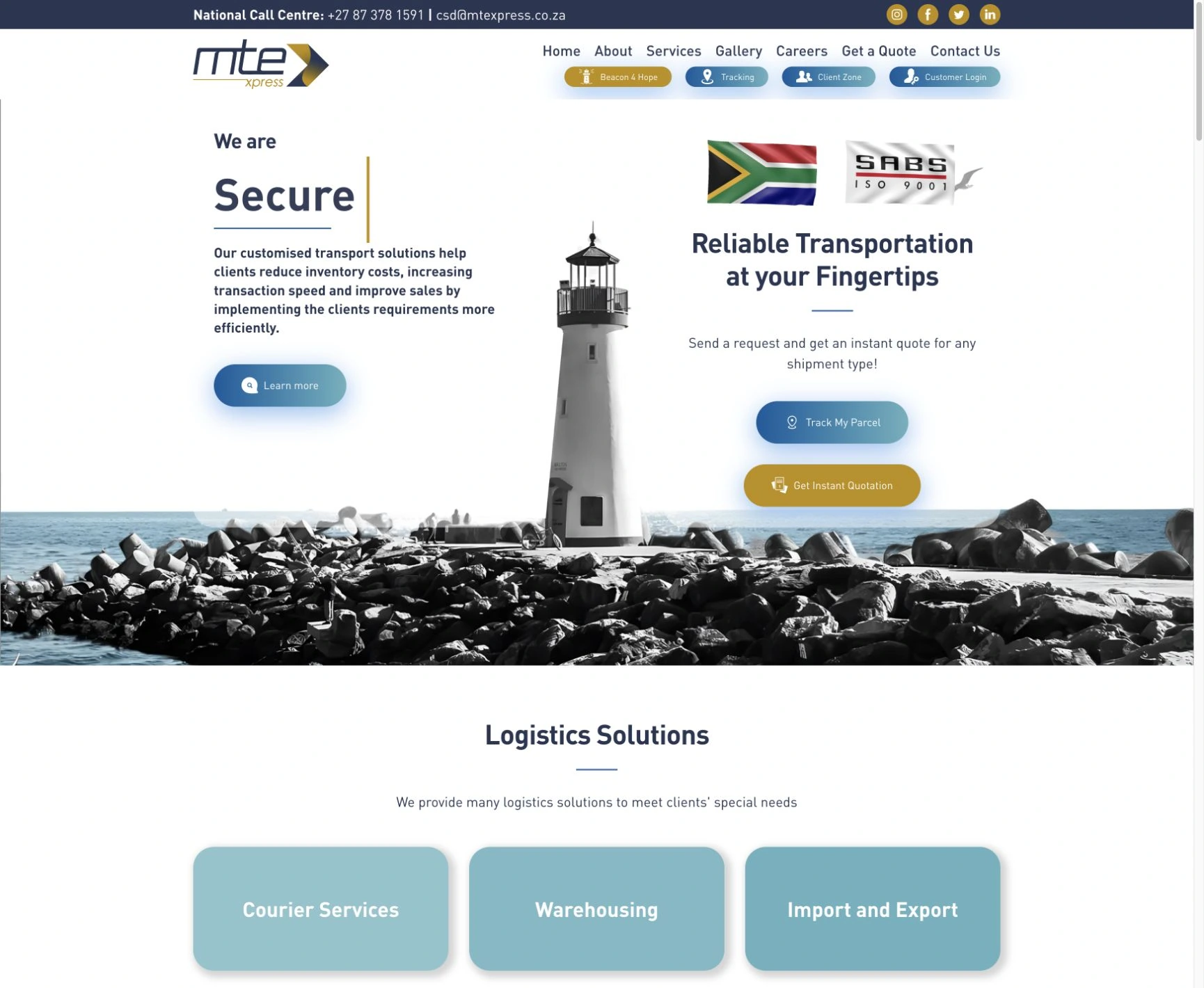

Logo · Website · Domain & hosting · Microsoft 365 · Shiplogic–Sage sync
Logistics & tradeSending shipping invoices to Sage.A custom Shiplogic-to-Sage connection moves invoice information into accounting, with review, retry and catch-up tools for records that need attention.
Tell us what a customer or team member needs to get done. That gives us a better starting point than a list of features on its own.
Give customers a place to view records, follow a request or find support information. We plan their account access and the work your team needs to do behind the scenes. Genio Roasters’ aftercare portal, for example, brings maintenance guidance, diagnostics and training together.
CUSTOMER & SUPPLIER PORTALSIf your team works across spreadsheets, emails and separate tools, a shared system may help. We can bring requests, approvals, records and reporting together, based on how the team works.
BUSINESS SYSTEMS & WORKFLOWSBuild a mobile app around a task people return to: arranging a trip, managing a booking or capturing work. We plan the screens, accounts, administration and connected services together. A web app or PWA can be the right first release; device features, offline work and app-store distribution need checking before we choose the approach.
MOBILE APPS, PWAs & DIGITAL PRODUCTS“Cloudfusion's team of international programmers are developing an advanced customer portal for us with superb communication and development speed.”
A first release should let people complete a useful task. We work out what that requires, what needs to connect and which extras can wait, then agree the scope with you.
Who will use it, and what must they be able to do? We work through those questions, the systems involved and what can wait. A larger or less-defined idea may need paid discovery; a focused requirement may need a shorter planning exercise. We agree the scope before development.
A brief, priorities and proposed scopeReview the screens and steps people will follow before we build them. We check who can see or change information, and what should happen when something goes wrong, so you can make those decisions while they’re easier to change.
Screen designs and the steps users will followWe develop the screens, records and connections, then review working features with you. Testing includes the awkward parts too: missing information, failed connections and how someone gets back on track.
Working features and tested connectionsWe prepare the launch and handover, and agree who will look after the software. Once people are using it, their feedback helps us decide which improvements matter next.
A handover and agreed support planThe choice depends on what your app must do, what it needs to connect to and who will maintain it. Here are technologies we’ve used in the projects linked below, and the jobs they do.
The screens people use on phones and computers. A progressive web app, or PWA, can also be installed where the device supports it.
In the ViaVia stackThe rules and records behind the screens: checking access, handling requests and storing information.
In the ViaVia stackSigning in, taking payments, finding places and delivering the app online. We choose these services when the product needs them.
See their roles in ViaViaInvoice information moving between shipping and accounting, with review and recovery when needed.
See the MTE Xpress integrationStart with the tasks people need to complete, then agree what belongs in the first version. Leave room to learn from use before committing to every feature.
Tell us who will use the software and what they need to do. We’ll help define a first release and explain the work and costs before development begins.
These are the practical details we agree for this work, before you go ahead.
Your agreement confirms the source code, editable files and handover documents included, together with ownership and licence terms. Third-party software and assets can have separate terms.
We agree who manages the application, hosting and connected accounts, who needs access and how your team will receive the work.
Hosting, third-party subscriptions and any usage charges are identified separately from development. We explain the costs relevant to your first release before work begins.
We agree who looks after the software, what support covers and its ongoing cost. Further features are planned and quoted as the business needs them.
No. Tell us what you want the software to do, who will use it and what you’re working with now. We can help turn that into screens, features and a clear scope. A larger or less-defined project may start with paid discovery; a focused requirement may need a shorter planning exercise.
The quote depends on what the software needs to do, who will use it, the systems it must connect to and any data we need to move. We discuss those requirements and agree a first phase before quoting. If discovery is needed, we agree its scope and fee first. Hosting, support and third-party subscriptions are listed separately.
We agree a realistic delivery plan once the first phase is defined. Complexity, access to other systems, content and review turnaround all affect timing. We identify dependencies before promising a launch date.
Yes. We can build a web app that works across screen sizes. A progressive web app, or PWA, can also be installed on devices that support it. If you need offline features or an app-store release, we discuss those requirements before choosing a web, PWA or native app.
Often, yes. We first check whether each system gives us the access and connection tools, usually called APIs, that the job needs. That determines what is possible and how the connection should work. MTE Xpress’s Shiplogic-to-Sage invoice sync and ViaVia’s connected services are examples in our selected work.
We can stay involved to support, refine and extend the product. We agree responsibilities, access, support scope and ongoing costs as part of planning, so the business knows how the software will be looked after.
Show us what you use and where it falls short. We can review it with you and decide whether a repair, new feature, integration or rebuild makes sense. If the existing system can do the job with a few changes, there may be no need to replace it.
Yes. We start with the jobs people need to complete: checking an order, sharing a document, making a request or finding support. Then we plan what each account can see, what your staff can manage and which systems the portal needs to connect to. Genio Roasters’ customer aftercare portal is one example. The first release can focus on a few useful tasks and grow from there.
We look at the people using it, the systems it must connect to and how it will be maintained. Our project work includes React and TypeScript interfaces, Node.js services and PostgreSQL databases. Those are options, rather than a fixed requirement for every build. We explain the proposed approach, hosting and ongoing responsibilities before you commit.
These articles explain choices you may need to make for your project.
Explore Software & Digital ProductsTell us who the software is for and what you’d like it to do. You don’t need all the answers before we talk.
Plan your softwareCustom software development starts with the work people need to do. We plan and build business systems, apps and customer portals, from a useful first release to ongoing improvements.
Code and ownership. Your agreement confirms the source code, editable files and handover documents included, together with ownership and licence terms. Third-party software and assets can have separate terms.
Accounts and handover. We agree who manages the application, hosting and connected accounts, who needs access and how your team will receive the work.
Running costs. Hosting, third-party subscriptions and any usage charges are identified separately from development. We explain the costs relevant to your first release before work begins.
Support after launch. We agree who looks after the software, what support covers and its ongoing cost. Further features are planned and quoted as the business needs them.