How to choose a CMS your team can use
Compare content editors using your actual pages, publishing tasks and ownership needs. Plan permissions, migration and support before choosing a CMS.
Start reading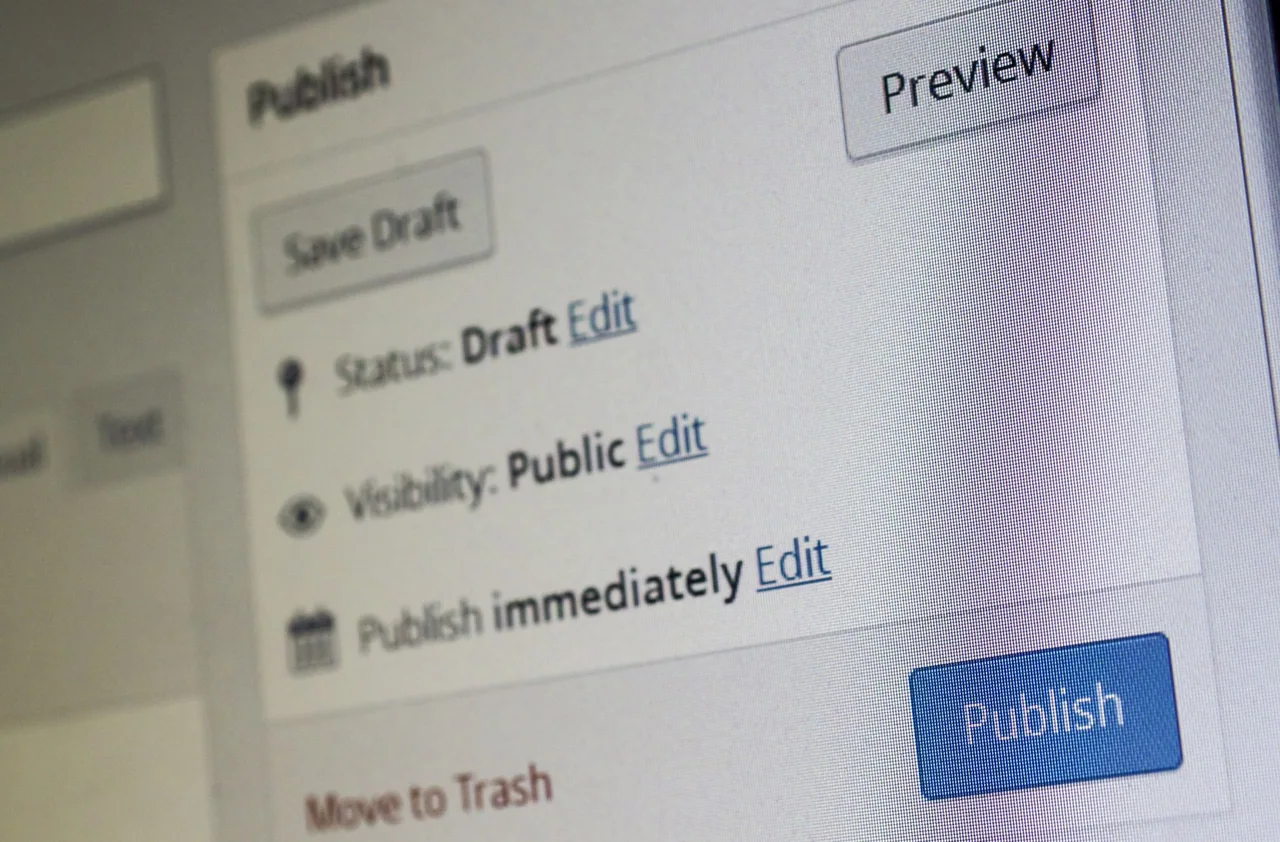
A content management system should make your website practical to maintain. Choose it by testing the work your team will do: publishing an article, updating a service, adding a project or correcting a product detail. A long feature list tells you less than watching someone complete those tasks.
The right choice also depends on the website around the editor. Consider design, content structure, connected systems, running costs and the people who will support it.
List your publishing jobs
Start with the kinds of information you publish and how they relate. A service may link to projects and articles. An interview may belong to an organisation, industry and report. A store adds products, prices and orders, often with different ownership and approval rules.
Write down who prepares, reviews and publishes each kind of content. Include occasional users as well as the person updating the site every week. Identify the fields they should edit and the design decisions they should not have to remake.
Give repeatable content a useful structure
For Executive Forecast, Cloudfusion built a Webflow publishing website with reusable layouts and structured editorial records. Reports, regions, industries and organisations give interviews context, while editors can manage featured content and publication dates.
That project illustrates an important CMS decision: how a new piece of content fits into the existing website. Reusable structure helps editors publish within the design rather than assemble a separate page each time.
CHEL’s WordPress website uses an editable project portfolio to explain its role, location and scope of work. Its supplied company material became a structure prospective clients can explore and the team can keep current.
Test the editor before committing
Use your own sample material in a demonstration. Ask a likely editor to add a record, replace an image, write a useful image description, preview the result and correct a mistake. Check what happens when a heading is longer than expected or a photograph has a different shape.
- Can the team find the right record and understand its fields?
- Can the appropriate person review a change before publication?
- Does the preview represent the page people will see?
- Can an accidental edit be recovered through the agreed process?
- Who publishes the site, and when does an approved change appear?
Check connections and running costs
List the forms, search, booking, commerce and business systems that need to connect. Establish which platform owns each kind of information. A marketing CMS does not automatically become the owner of live stock, licence prices or accounting records.
Compare hosting, editor accounts, platform plans, extensions and development support. Check the actual plan’s limits against your content and publishing requirements. Migration, custom features and ongoing care need their own agreed scope.
Plan migration and handover
Inventory important pages, media and addresses before moving. Decide how content is mapped and how existing links will continue to work. Export a representative sample and check that the information you need is usable, including images and relationships.
Agree the accounts and editable files the client receives, the training or handover included and who handles future changes. Ask how the site can be maintained if the original developer is unavailable.
Choose for the people maintaining the site
A useful CMS decision balances the reader’s experience with the editor’s working day. Test a realistic publishing task, check the ongoing responsibilities and make the trade-offs explicit.
Our website service covers content structure, design and implementation. Bring a few pages or records your team needs to maintain. Those examples give us a practical way to compare platforms and discuss the build.